
How to work with notes and documents on a smartphone with a stylus
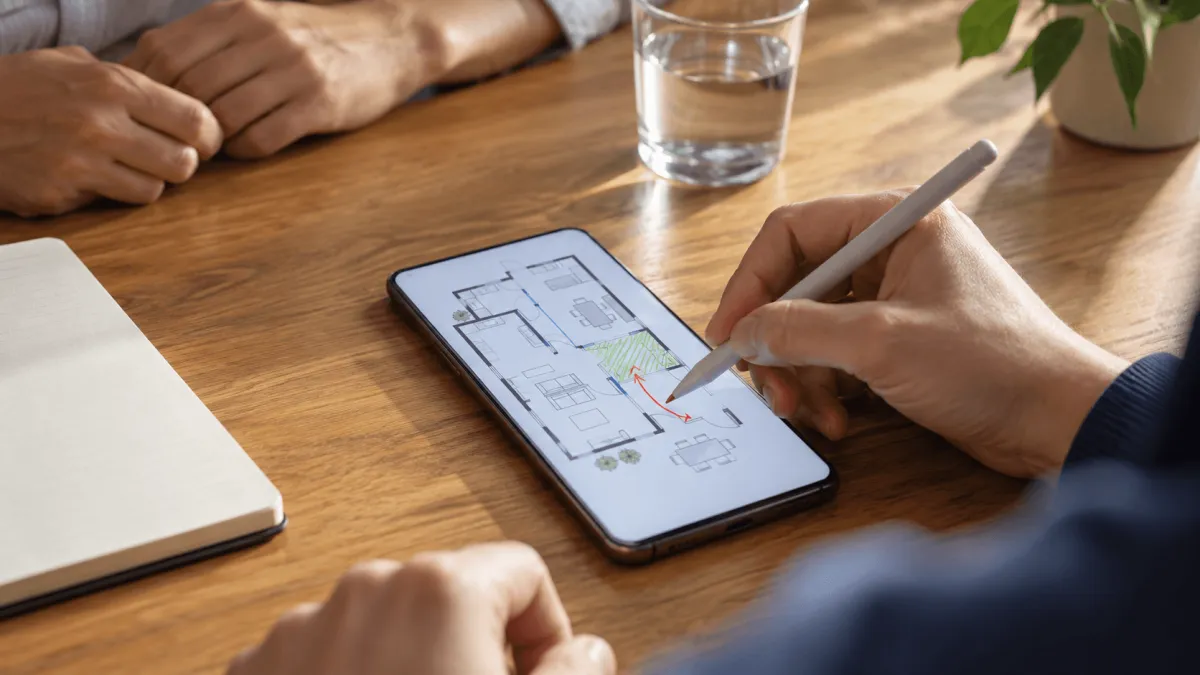
During a meeting you often need to jot down a term, sketch a diagram or mark a correction in a contract. It is better to load the documents for discussion onto your phone before the conversation starts. On the S25 Ultra you can take handwritten notes in Samsung Notes and immediately add drawings to them. After the conversation, the agreements should be put in order so that colleagues receive a clear result.
Handwritten notes during meetings
Before the discussion begins, create a separate note with the date and project name. For each question, it is better to leave room for the decision, the person responsible and the deadline. With the S Pen stylus it is convenient to draw arrows between stages and circle amounts that need clarification.
Check legibility on a few lines before the meeting. Small handwriting calls for a thinner stroke and a larger working area. The 6.9-inch display gives room for a diagram, which can be split into several linked parts if necessary.
The Samsung Galaxy S25 Ultra has a separate tool for converting handwriting into printed text. Re-read the resulting passage, especially surnames, numbers and abbreviations. If the recognition made a mistake, it is convenient to correct it with the keyboard, keeping the original version for comparison.
It is better to insert a photo of the whiteboard next to the part of the note it supplements. That way the reader can connect the arrows and symbols with the text explanation. To find materials a month later, folders by project and a consistent naming scheme with the date at the start are useful.
PDF annotations and sharing a document with colleagues
To comment on a contract, import the PDF into Samsung Notes. Inside, you can add handwriting, underlining and explanations on top of the pages. Before sending, prepare a copy step by step:
- zoom in on the relevant passage and highlight the place of the correction;
- write a short explanation next to the corresponding clause;
- save the result as a PDF under a separate name;
- open the resulting file in another viewer and check all the pages.
In the comment, state directly what to fix, for example replace a date or clarify a unit of measurement. An underline alone may be unclear to the recipient. For approvals involving several people, add the author’s initials and a version number so that remarks do not get mixed up.
After import a copy of the material appears, so it is better to keep the original version in another folder. Confidential data should be shared only in a way approved by the company. Before sending to a group chat, check the participants and attachments.
Try the stylus on one of your own large drawings and see whether the finest lines are easy to tell apart. When ordering through comfy.ua, check the package contents and the amount of storage for your working files.