

How to choose the perfect gaming laptop: a guide for gamers
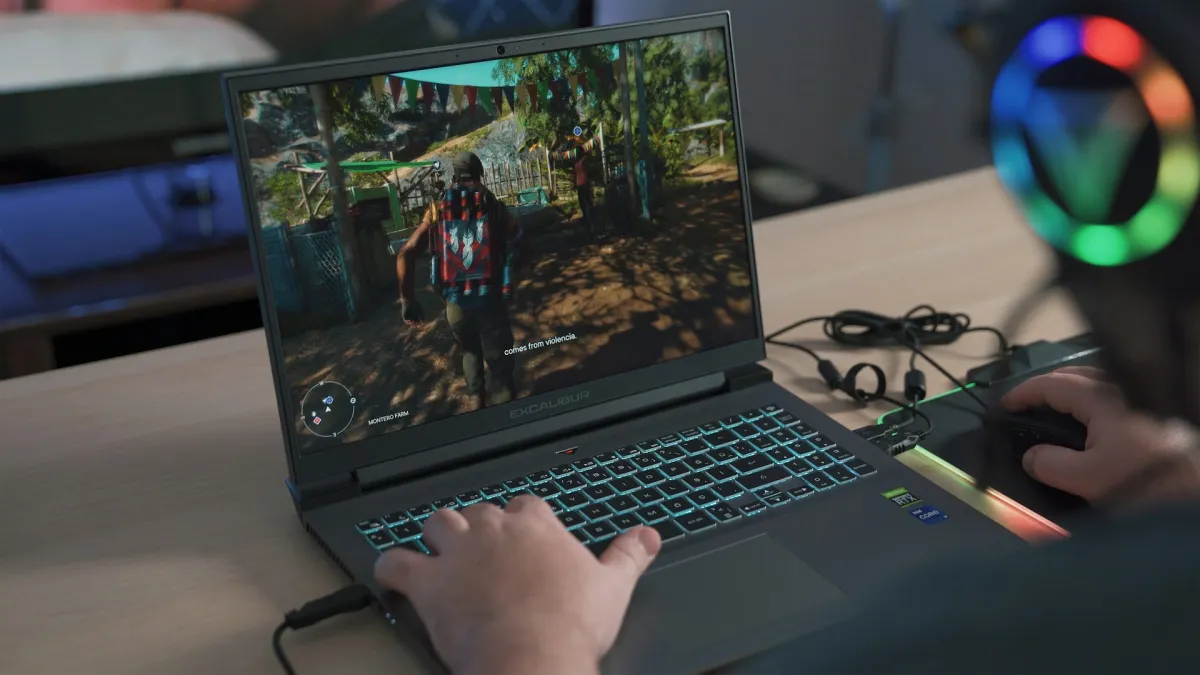
A gaming laptop is not just a piece of equipment for work, but a powerful tool for comfortable play. With such a huge choice of models and specifications, it is important to know what to look for when buying. Let’s work out how to choose the perfect gaming laptop based on your needs, budget and the type of games you play.
Key specifications
It is important to pay attention to several key specifications that determine its performance:
- Processor (CPU): To play modern titles comfortably, choose models with at least 6 cores, such as Intel Core i5/i7 or AMD Ryzen 5/7. They provide stable performance even in demanding scenarios.
- Graphics card (GPU): The visual quality of a game depends on the graphics card. Models such as the NVIDIA GeForce RTX 3060 or newer, as well as the AMD Radeon RX 6700M, are an ideal choice.
- Memory (RAM): 16 GB is the optimal amount for modern gaming. It is enough for most games and background tasks.
- Storage (SSD): A solid-state drive ensures fast loading of both games and the system. At least 512 GB is recommended for comfortable use.
A powerful processor, a good graphics card, enough RAM and an SSD are the foundation of a good gaming laptop.
Size and display
The screen is what you will interact with every day while playing.
- Screen size: The most popular gaming laptops have 15.6” or 17.3” screens. A larger display provides deeper immersion but reduces the device’s portability.
- Resolution: Full HD (1920×1080) is the optimal option in terms of quality versus load on the system. 2K or 4K screens suit demanding users but require a more powerful graphics card.
- Refresh rate: A rate of 120–165 Hz makes the image smoother, which matters in fast-paced games. It significantly improves reaction and accuracy.
When choosing a display, consider not only the technical parameters but also your style of play. If you like fast-paced shooters or esports, pay attention to the refresh rate. For visual adventures or strategy games, image quality and resolution will matter more.
Cooling and temperature
Games put a load on the system, and without proper cooling a laptop can lose performance or even overheat.
- Cooling system: Choose models with efficient fans and well-thought-out airflow.
- Temperature: High temperatures reduce the speed of the components and shorten the laptop’s lifespan.
- Noise: Powerful cooling systems can be loud, so look for a balance between efficiency and quiet.
Even the best graphics card will not show its maximum if the laptop overheats.
Choosing a gaming laptop is a balance between price, power and personal needs. It is important to pay attention to key specifications such as the processor, graphics card, display and cooling to ensure maximum comfort and performance while playing.